
Contribution Points
Last Edited on : Oct 1, 2026, 13:46 (UTC+8)
Contribution Points represent how much your Family has contributed through various activities across the world of Black Desert.
They are not consumed when used. Instead, they work on a rental basis.
You can recover invested Contribution Points at any time and reinvest them elsewhere, making them a valuable Family-wide resource.
※ Important: If you delete a character holding an item rented with Contribution Points, the invested points will not be returned. Return all rented items to the relevant NPC before deleting the character.
1. How to Obtain
Contribution Points are shared across your Family. You can obtain them by completing quests and participating in Life Skills.
1-1. Complete Quests
- Main Quests: Experience Black Desert’s grand story through the main questline to earn large amounts of Contribution EXP.
- General Quests: Helping NPCs throughout each region is another easy way to earn Contribution EXP.
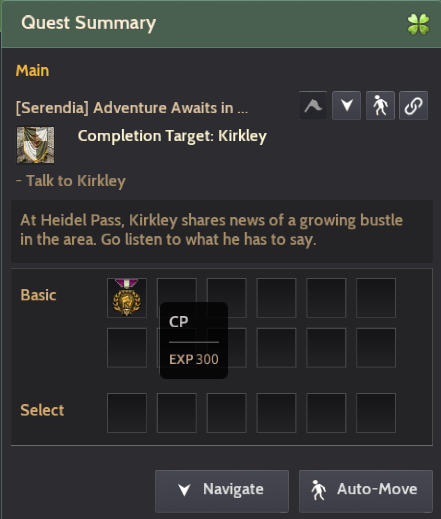
▲ Contribution EXP obtained as a main quest reward
1-2. Exchange Life Skill Byproducts
While cooking, performing alchemy, fishing, or farming, you may obtain byproducts with a set probability.
- How to Exchange: Take your byproducts to [Life Skill Manager] Liana or [Wandering Alchemist] Dalishain in a major city and exchange them for Contribution EXP.
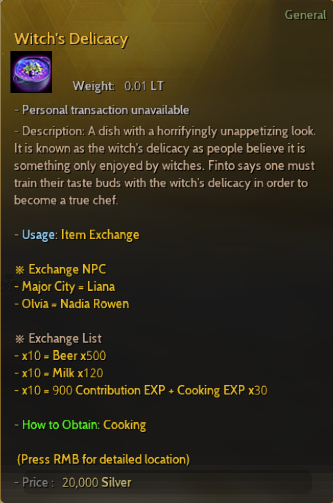
▲ Life Skill byproducts are a key source of Contribution EXP.
2. How to Use Contribution Points
Use Contribution Points to connect nodes or purchase buildings.
2-1. Invest in Nodes (Connect Nodes)
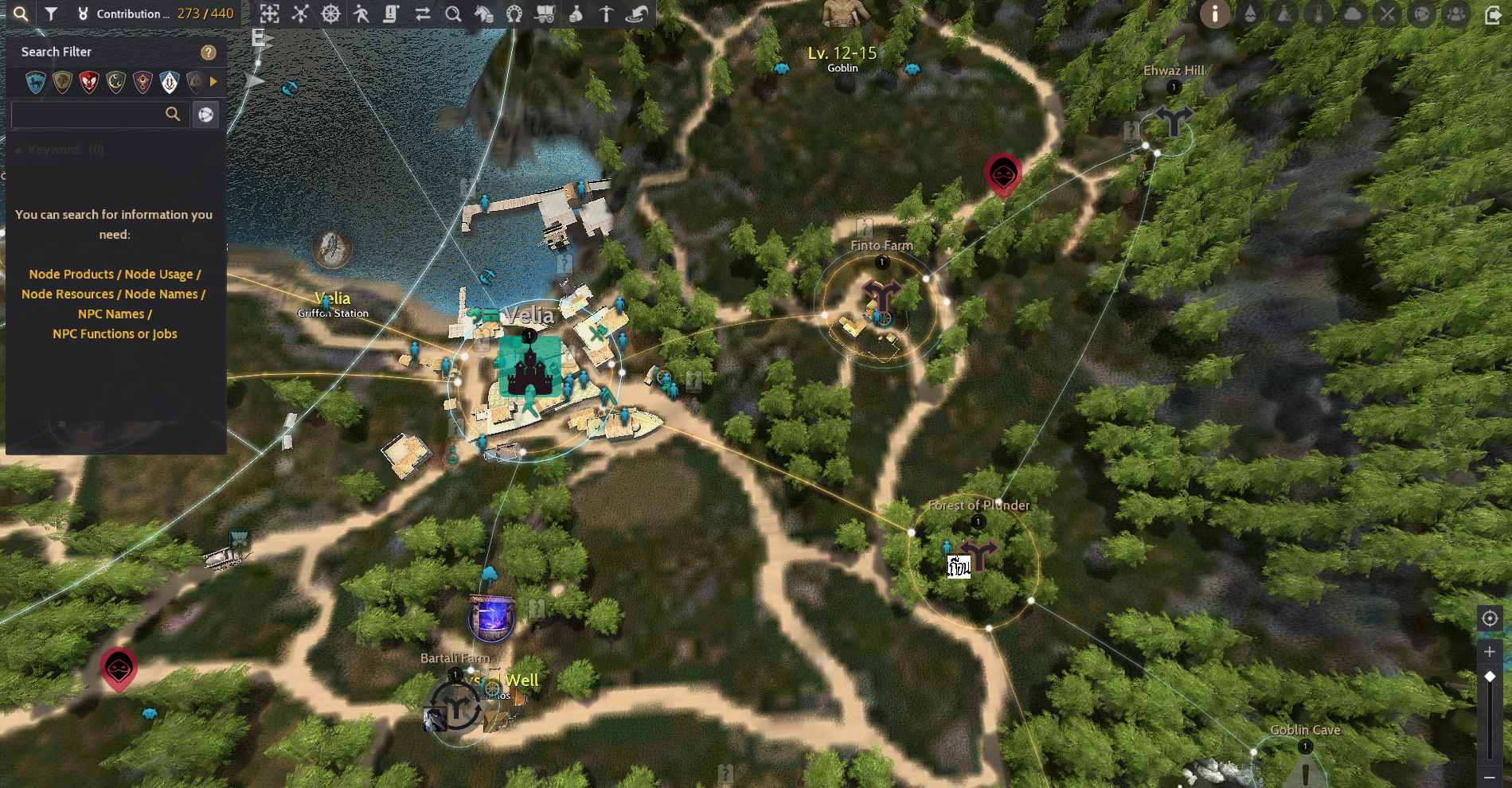
- Barter and Worker Dispatch: To gather resources from a region or sell trade goods at full value, invest Contribution Points to activate and connect the required nodes.
2-2. Purchase Buildings (Houses)
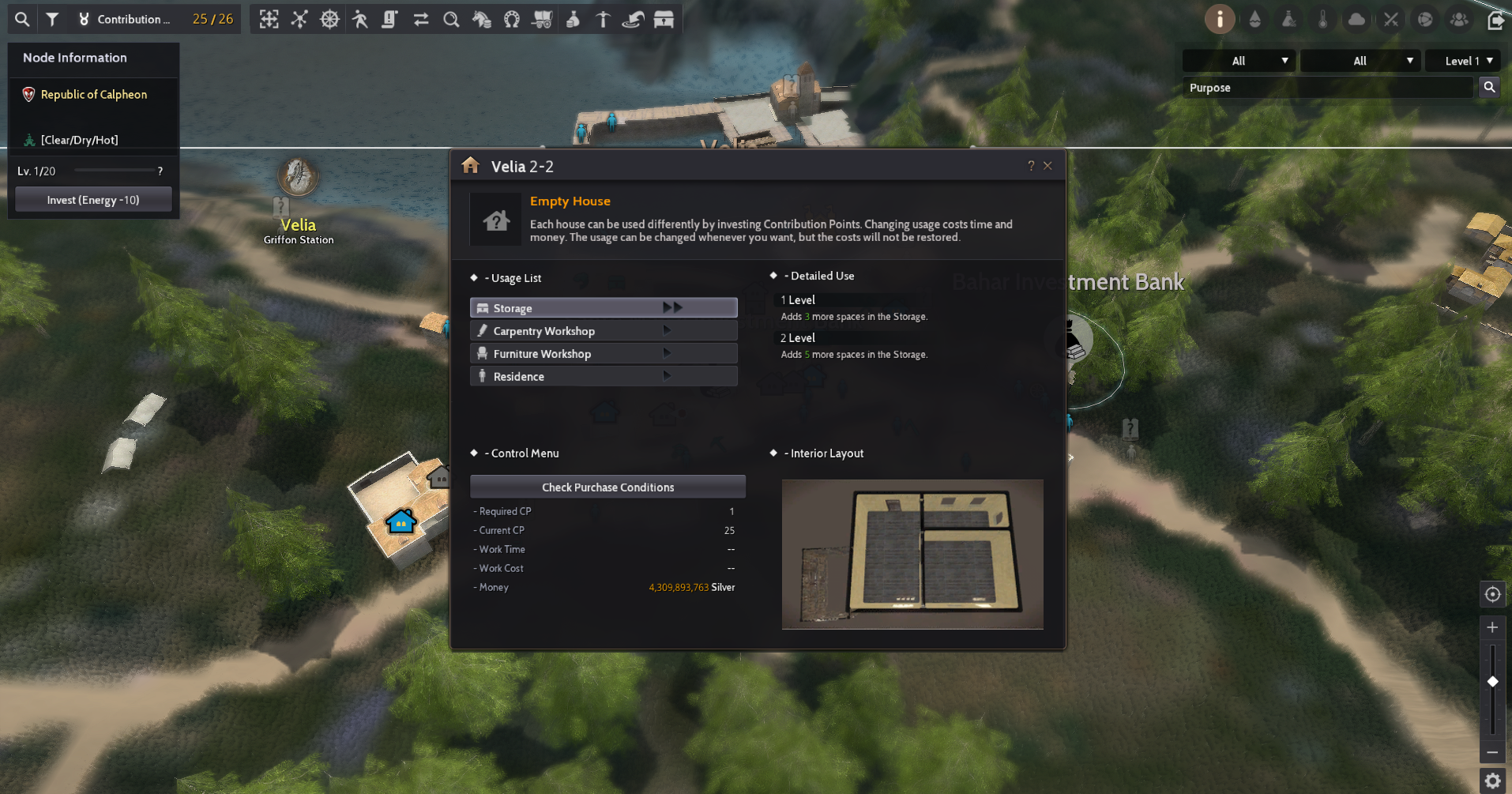
Purchase buildings in towns and use them for a range of purposes.
- Storage Expansion: Increase the number of slots in a town's storage to hold more items.
- Residence: Decorate a personal space to suit your style. Place a cooking utensil or an alchemy tool inside to perform Life Skills.
- Workshops: Assign workers to craft equipment, consumables, trade goods, and more.
2-3. Rent Contribution Point Items
Some NPCs lend useful items in exchange for Contribution Points.
- Fence: Use it to set up a garden for farming.
- Container: Place it in a residence to access the town storage remotely.
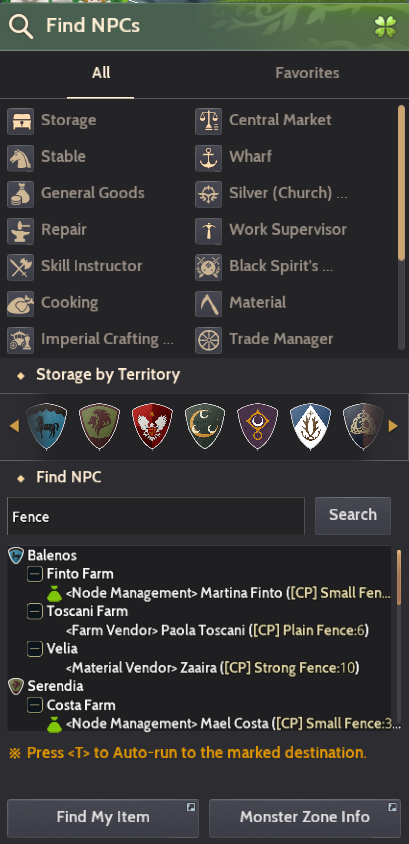
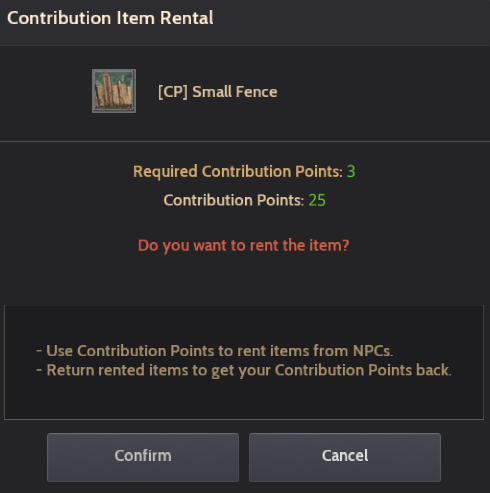
▲ Use the Find Nearby NPC function to locate the NPC and rent the Contribution Point item you need.
3. How to Check Contribution Points
You can check your total Contribution Points and current usage at any time in the upper-left corner of the screen.
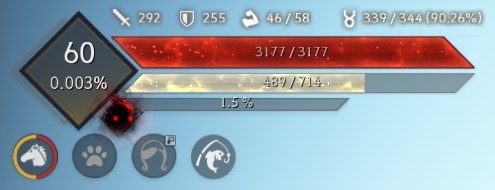
▲ Hover over the Contribution Point icon to view your current usage in a tooltip.
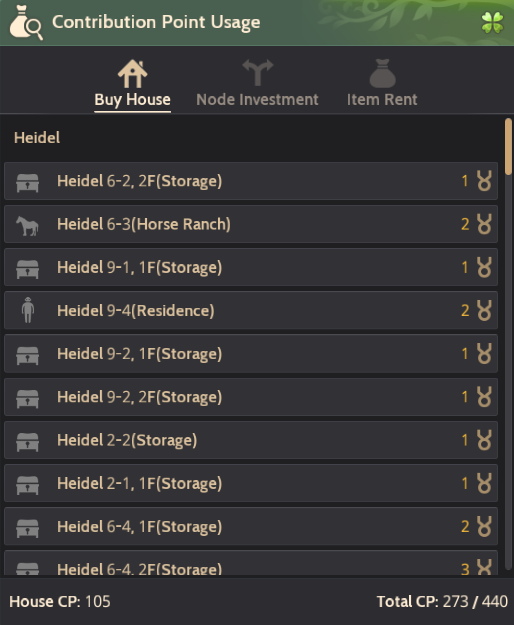
▲ Click the Contribution Point icon to view detailed usage information.
4. How to Recover Invested Contribution Points
You can recover invested Contribution Points whenever you need them.
4-1. Withdraw Node Investment
- On the World Map (M), select an activated node, then press [Withdraw Contribution] to recover the points immediately.
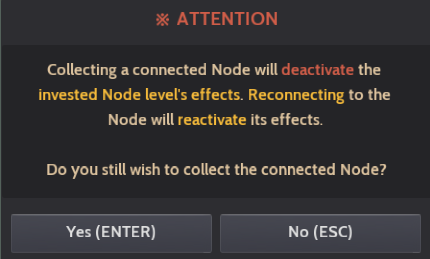
- Important: Withdraw node investments in reverse order, starting from the outermost connected node. You cannot withdraw your investment from a node that still connects to another invested node.
[Node Withdrawal Example]
If the nodes are connected in this order: Velia → Bartali Farm → Balenos Forest → Heidel Pass
• You cannot withdraw from Balenos Forest while Heidel Pass is still connected.
• Withdraw from Heidel Pass first, then Balenos Forest.
4-2. Return Contribution Point Items
- Take a rented item, such as a fence or container, back to the NPC who lent it to you and select [Return] to recover the Contribution Points immediately.